Getting Started with ButterReel
From YouTube video to published WordPress recipe post in under 10 minutes. This guide walks you through every step.
Before You Begin
Create Your ButterReel Account
Sign up for your ButterReel account.
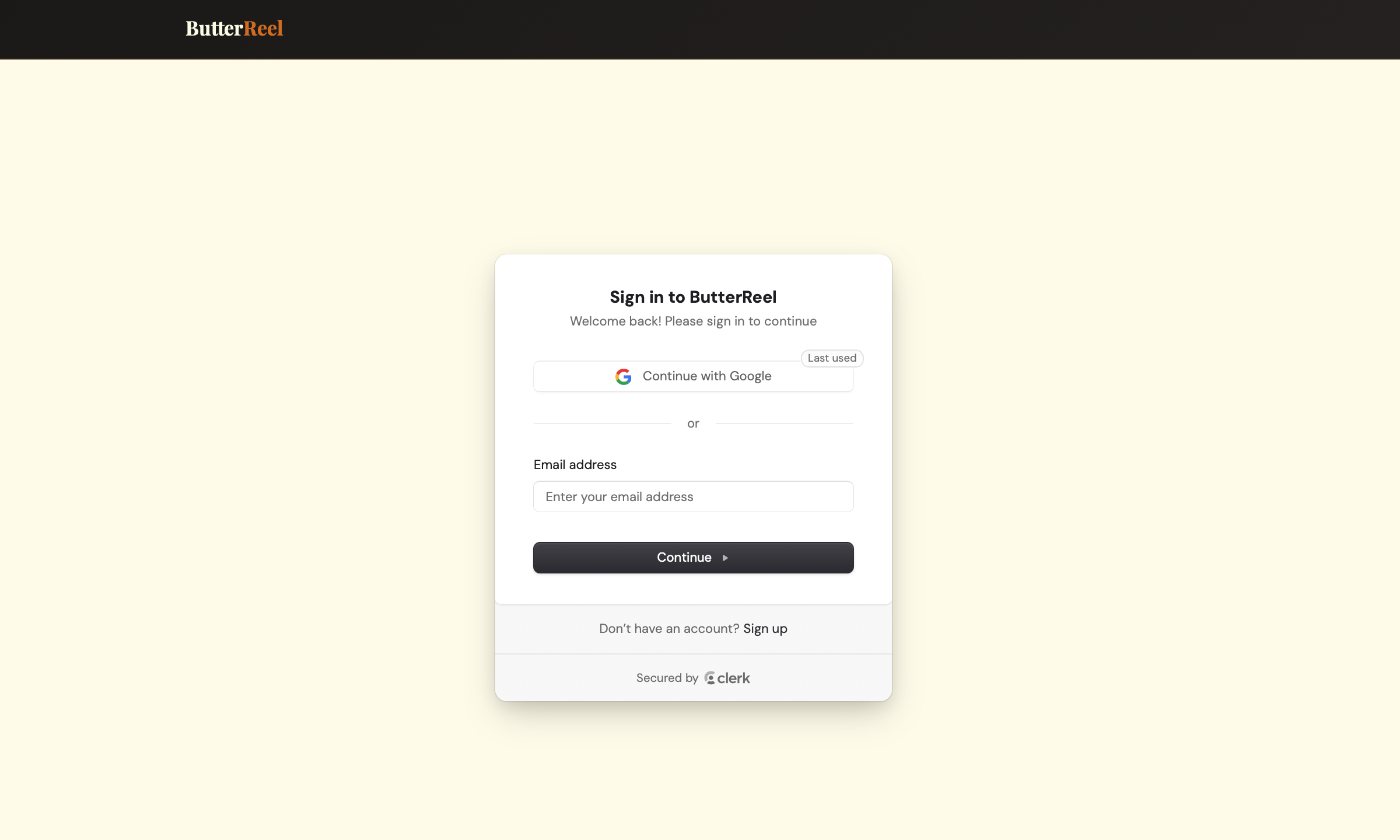
Choose Continue with Google (recommended — one click, no password to manage) or enter your email address.
Install the WordPress Plugin
Download the ButterReel WordPress plugin from butterreel.buttersquared.com/plugin. The file is named butterreel.zip.
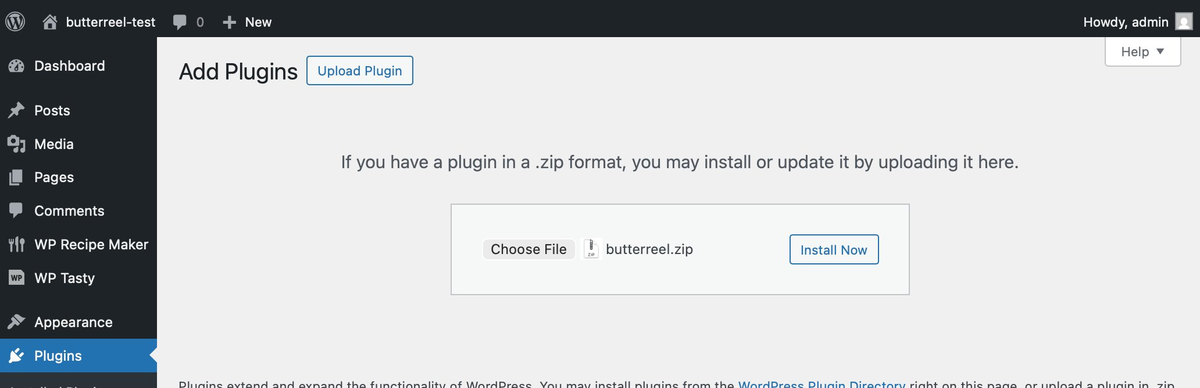
In your WordPress admin dashboard, go to Plugins → Add New Plugin → Upload Plugin. Click Choose File, select the butterreel.zip file you downloaded, then click Install Now.
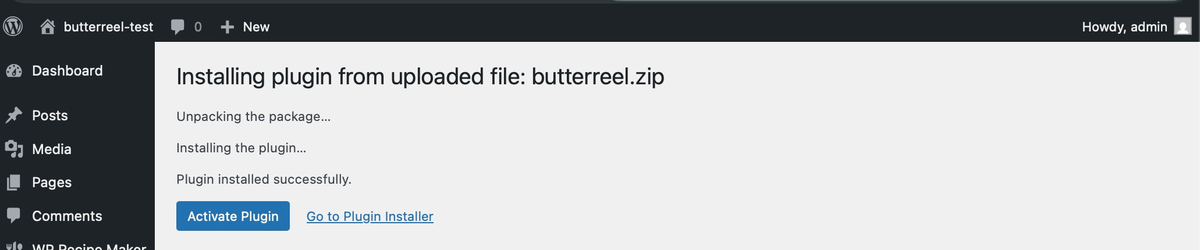
After installation completes, click Activate Plugin.
Connect WordPress to ButterReel
In ButterReel, click Settings in the top navigation bar. Under the WordPress section, click Generate API Key. Copy the key that appears.
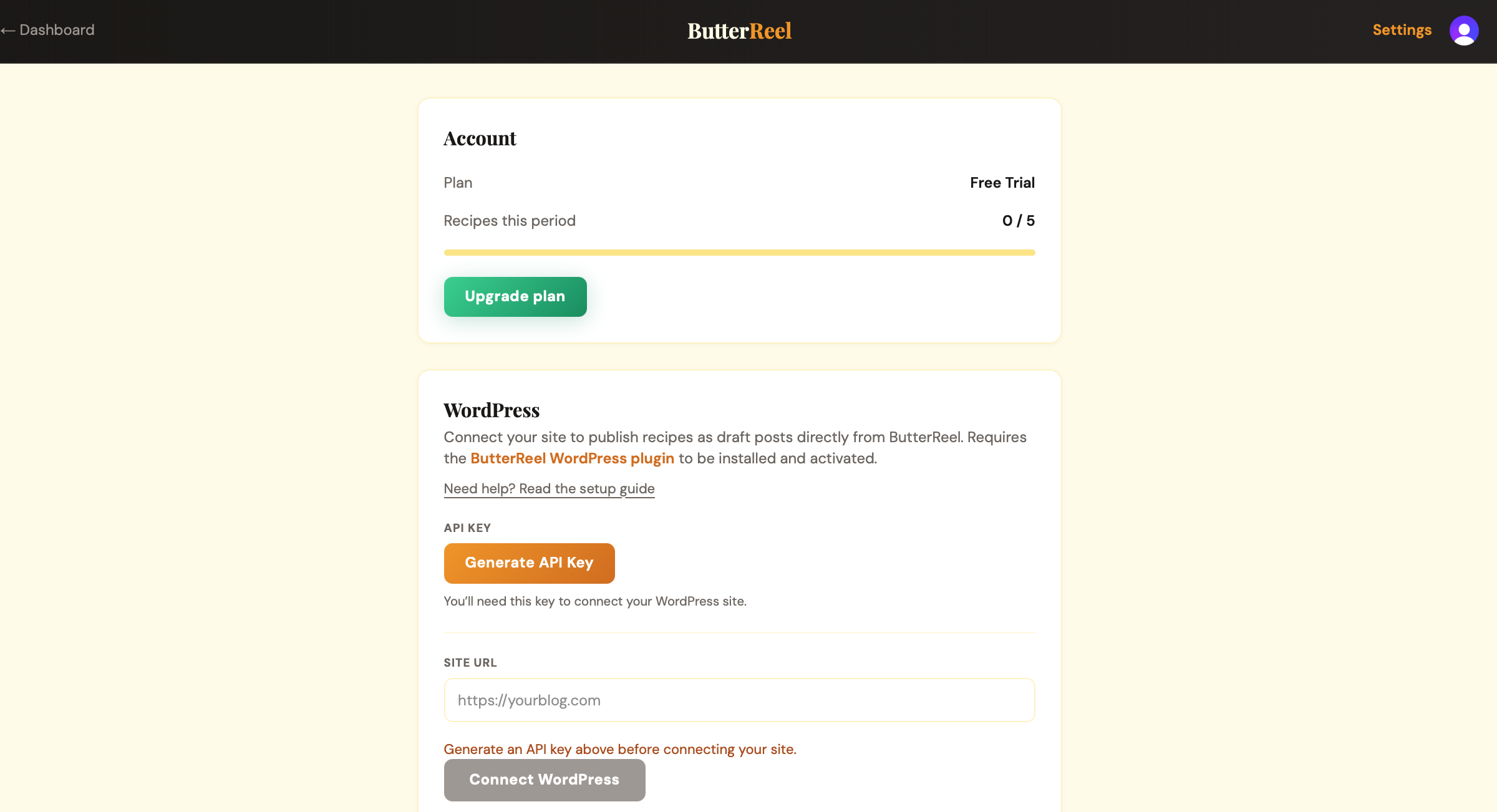
In your WordPress admin, go to Settings → ButterReel. Paste the API key you just copied and click Save Changes.
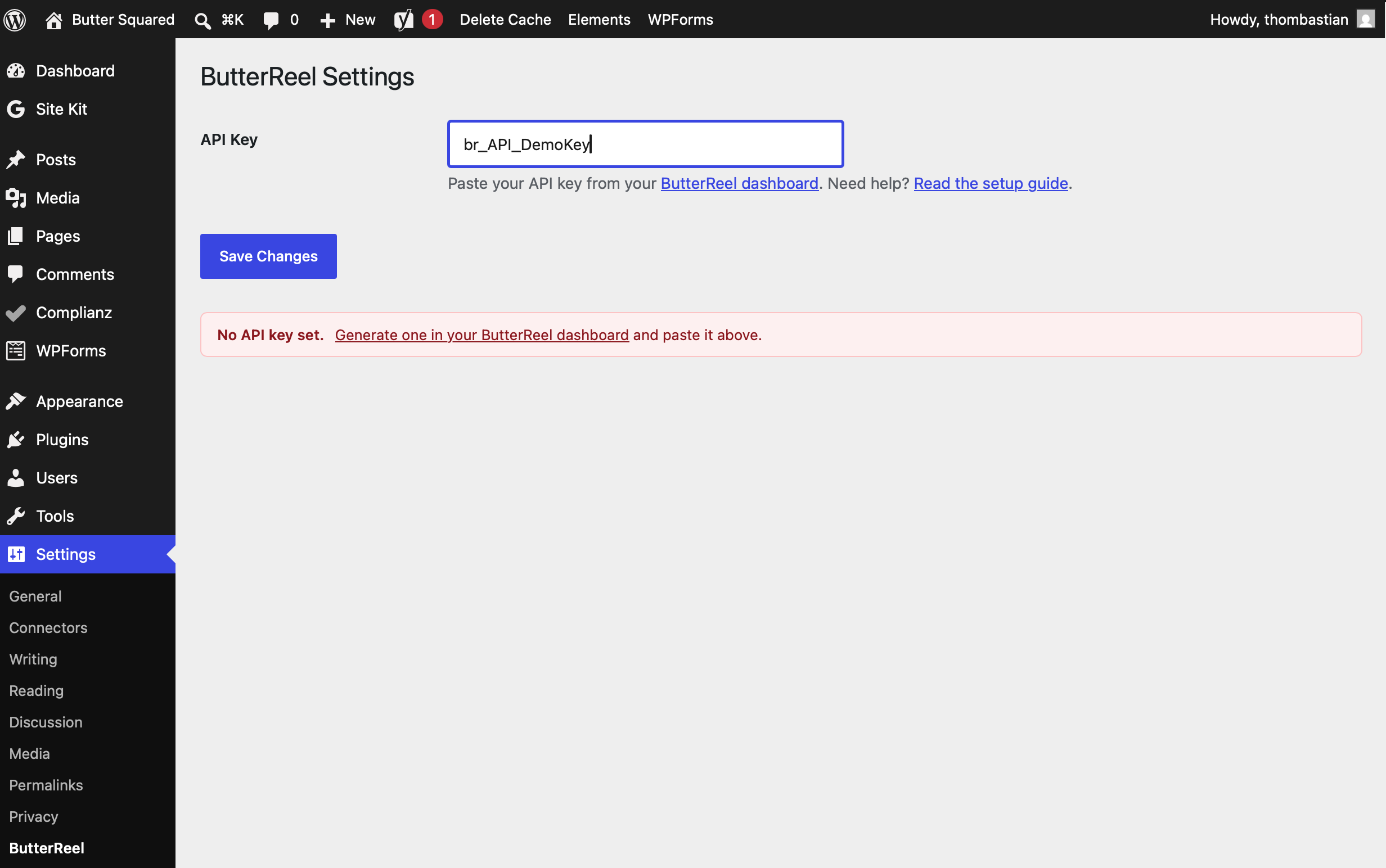
Back in ButterReel Settings, enter your WordPress site URL (e.g., https://yourblog.com) and click Connect WordPress. ButterReel will verify the connection to your site.
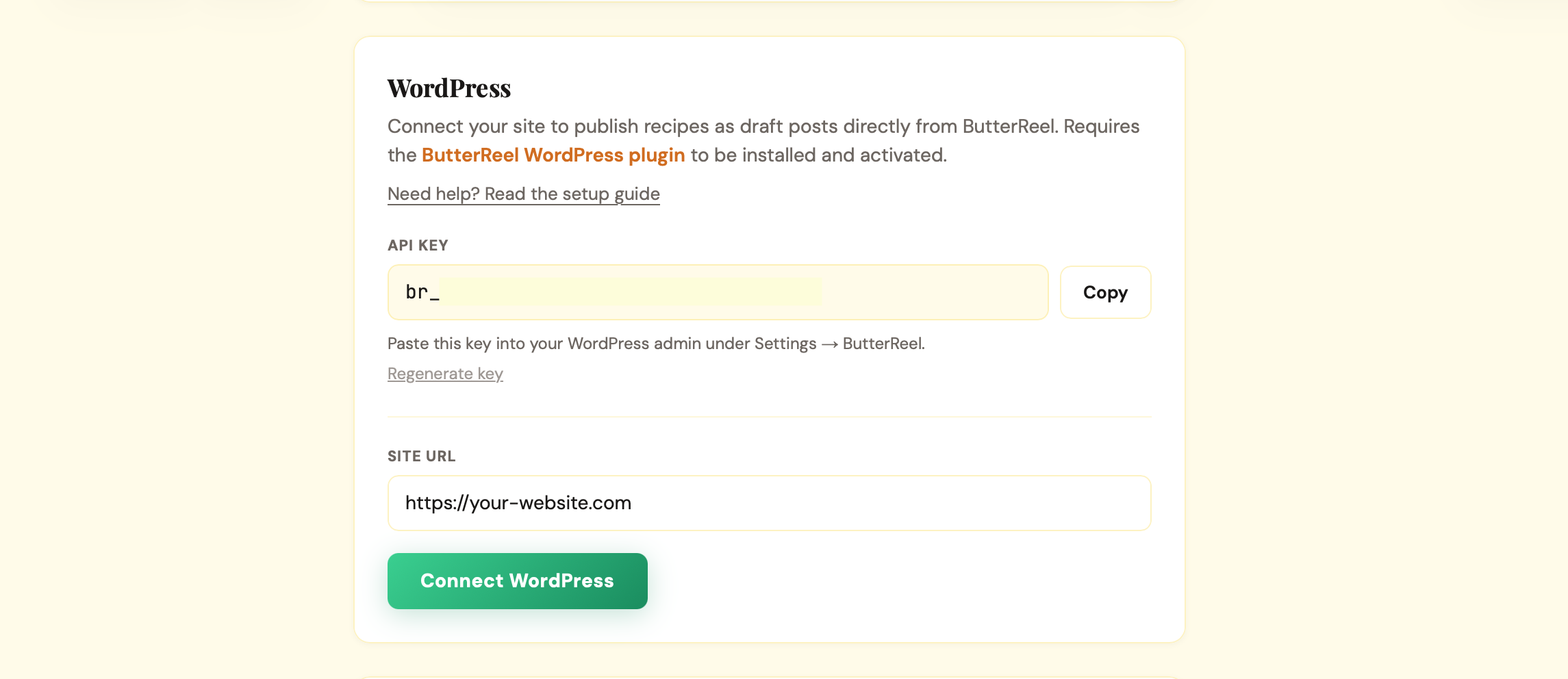
Process Your First Recipe
On your dashboard, paste a YouTube recipe video URL into the input field and click Process.
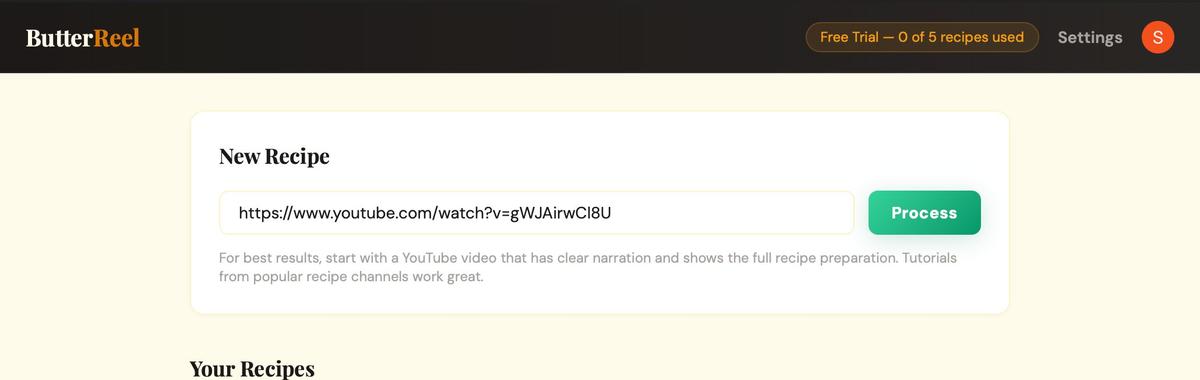
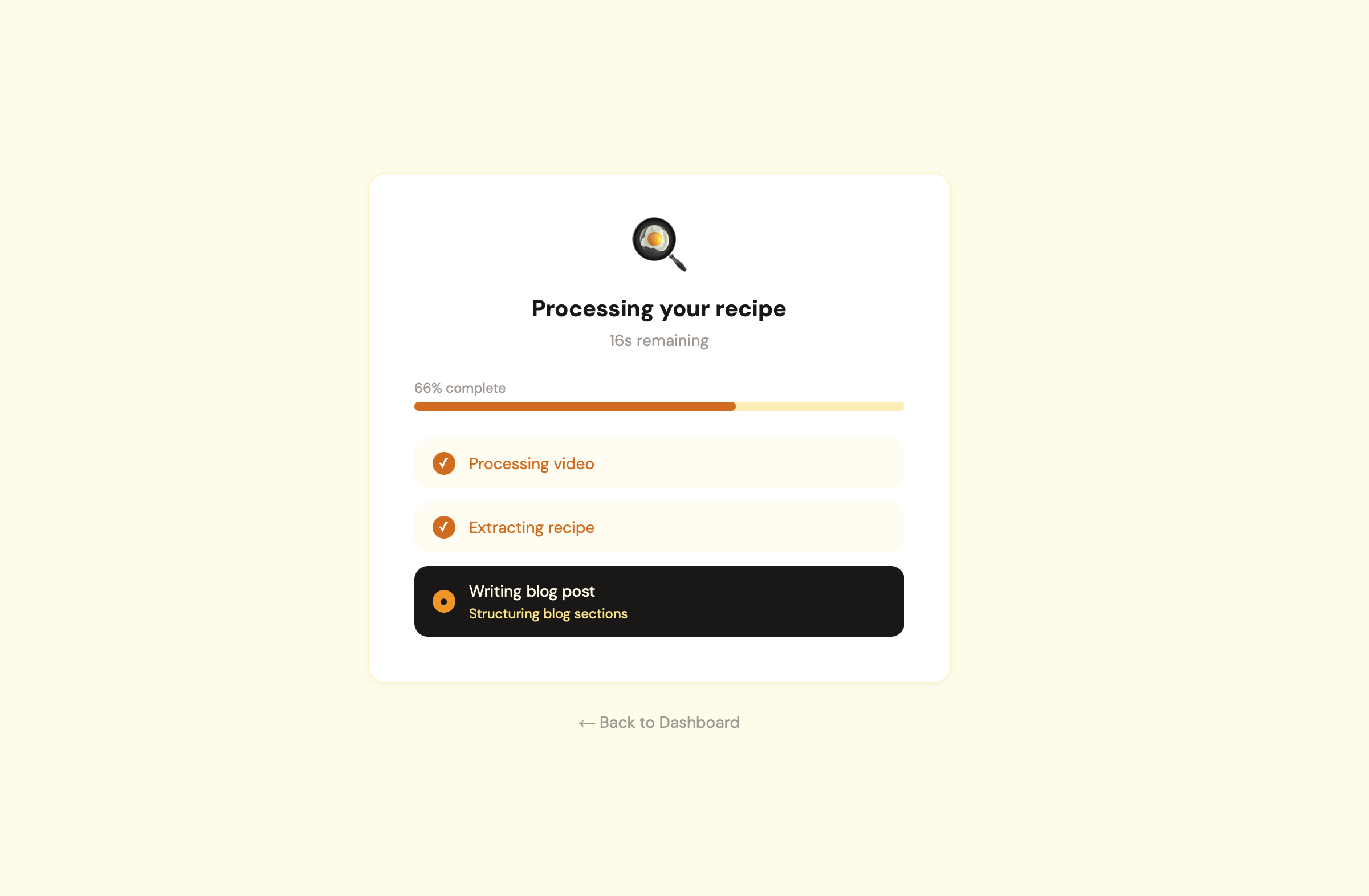
ButterReel analyzes the video, extracts the full recipe (ingredients, steps, times, servings), and generates a complete blog post. You'll see real-time progress updates as each stage completes.
Review & Edit Your Recipe
Once processing completes, you'll land on the recipe review page, organized into three tabs: Ingredients, Steps, and Blog. Start on the Ingredients tab to check the recipe name, times, servings, and the full ingredient list. If anything needs attention — like a missing quantity — you'll see a yellow banner highlighting exactly what to review.
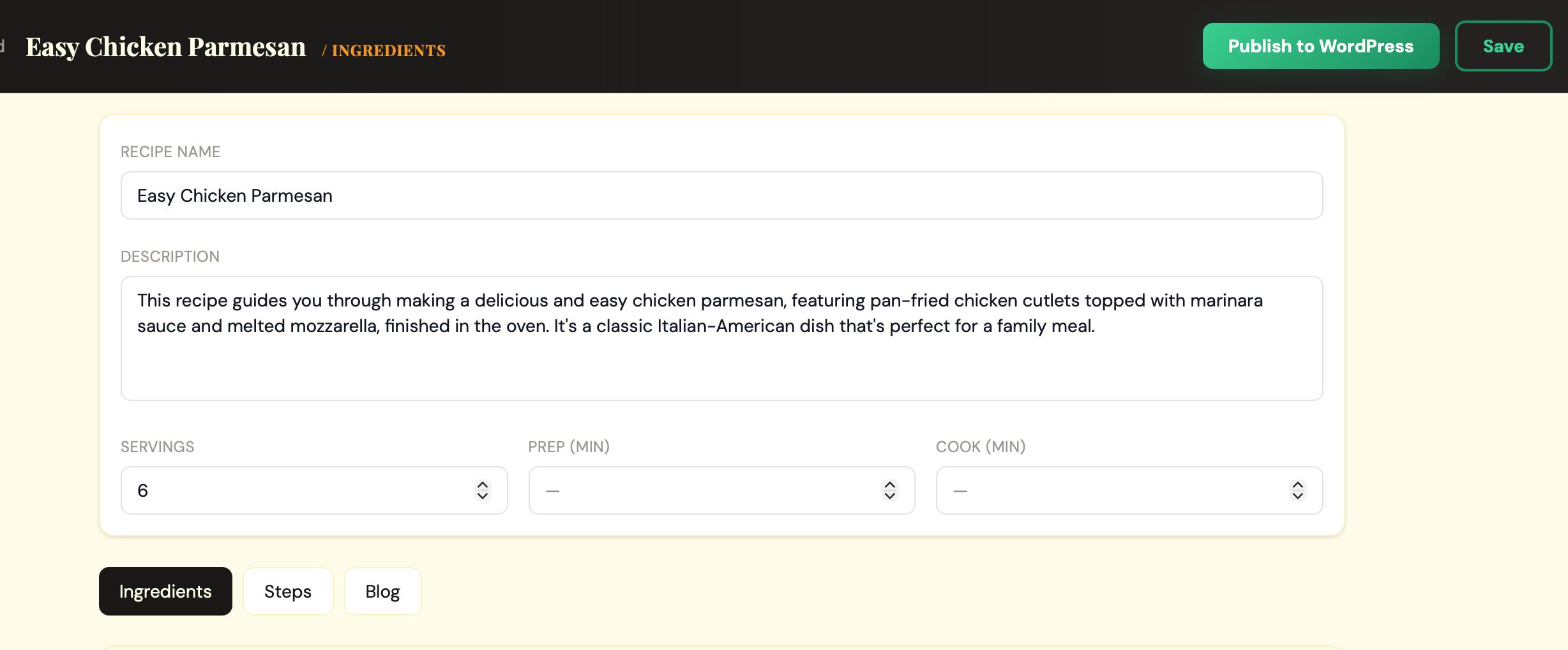
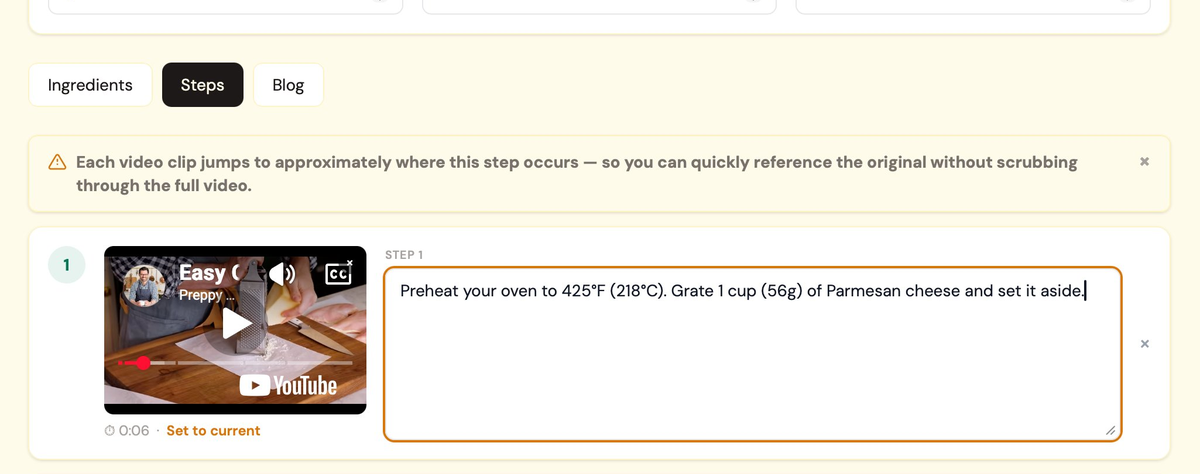
Every field is fully editable — click any ingredient, step, time, or title to make changes. On the Steps tab, each step includes a video clip cued to that moment in your video. If a clip doesn't start in quite the right spot, click Adjust start time below it to fine-tune the timestamp.
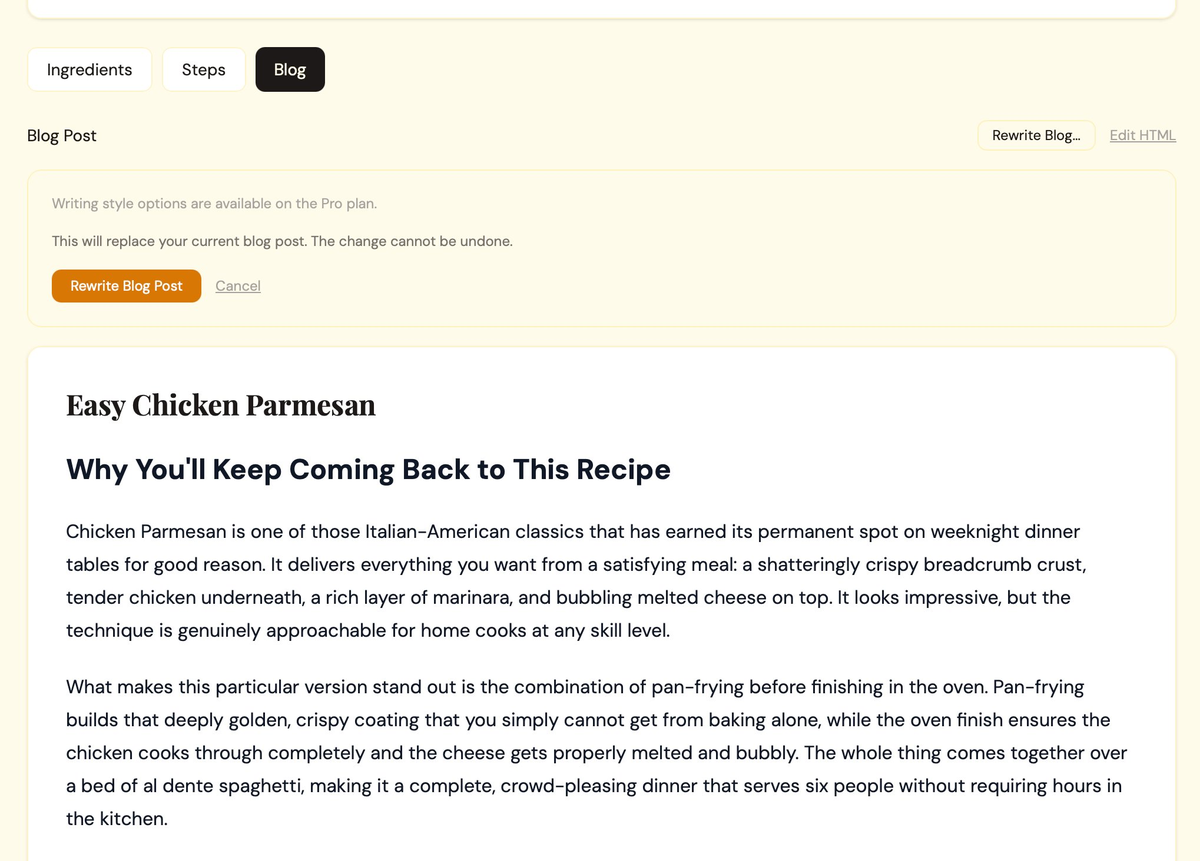
Click the Blog tab to preview the generated blog post. This is the complete article that will accompany your recipe card in WordPress — including introduction, ingredient tips, step-by-step walkthrough, variations, and storage notes.
Publish to WordPress
When you're satisfied with the recipe and blog post, click the Publish to WordPress button. ButterReel sends everything to your WordPress site as a draft post — it never publishes live without your review.
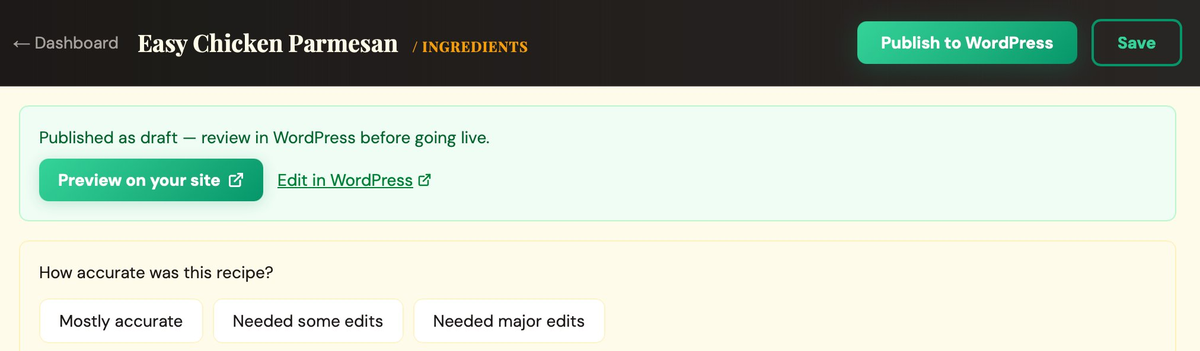
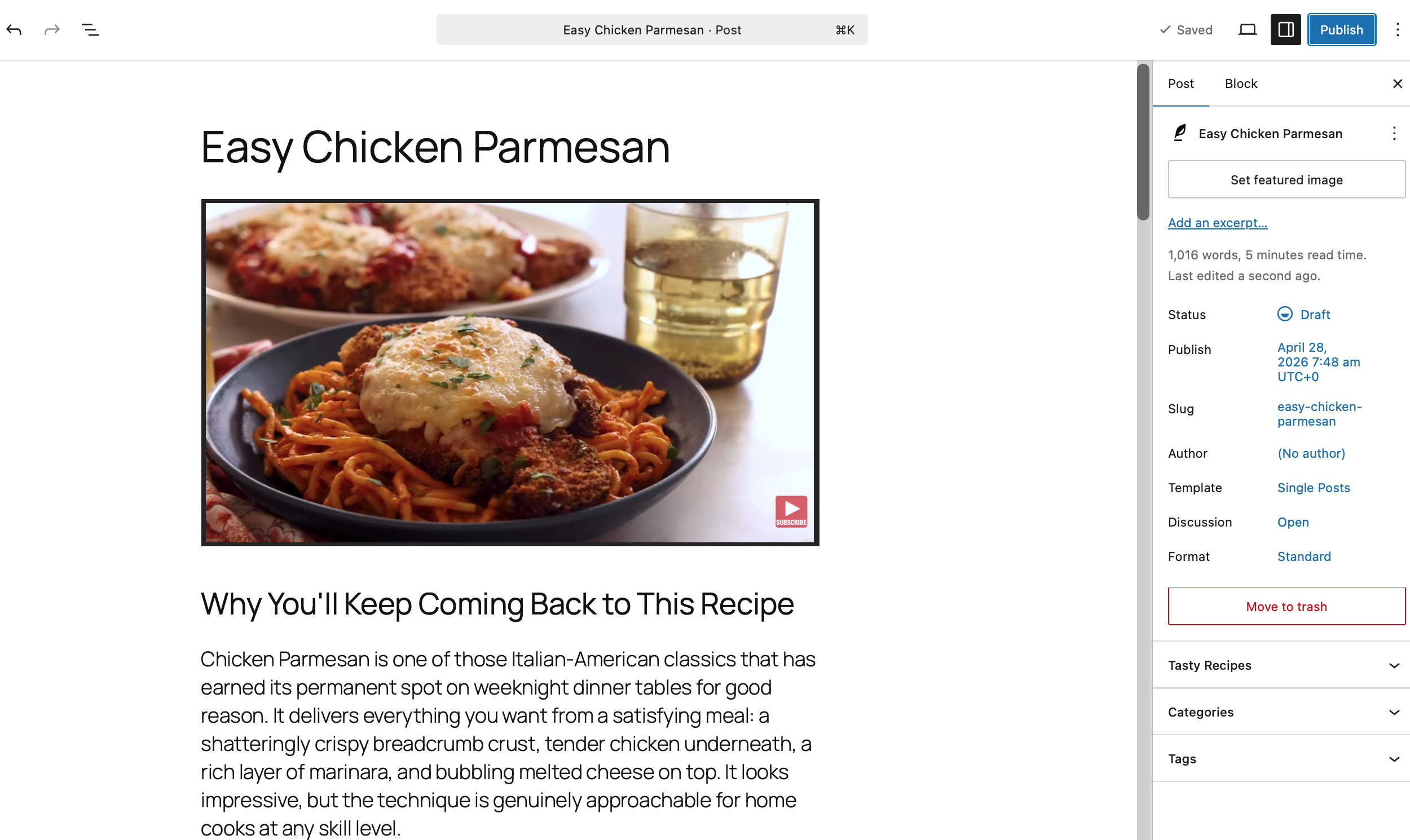
Open your WordPress admin and go to Posts → All Posts. You'll see your new recipe post as a Draft. Open it to review the recipe card, blog content, embedded video, and JSON-LD schema markup. When ready, hit Publish in WordPress.
Tips for Best Results
🎥 Choose the Right Videos
Videos with clear narration and visible cooking steps produce the most accurate results. Recipe tutorials from established channels tend to work best.
⏱ Video Length Sweet Spot
Videos between 3 and 15 minutes yield the most reliable extractions. Very short or very long videos may need more manual review.
✎ Always Review Before Publishing
AI extraction is powerful but not perfect. A quick review ensures ingredient quantities, cooking times, and step order are exactly right for your readers.
📚 Make It Yours
Add your personal notes, adjust the blog tone, include your own tips. The extraction gives you a strong foundation — your voice makes it unique.
Need Help?
Something not working as expected? We're here to help you get the most out of ButterReel.
Contact Support